Every room,
at a glance.
SpaceStatus turns Microsoft 365 room calendars into a live flightboard on any screen. One display per floor, or one for the whole building. Always current.
15-day free trial. No credit card required.
From office floors to hotel lobbies.
SpaceStatus fits anywhere people need a clear view of what is booked and what is free. Use it in offices, coworking spaces, hotels, conference centers, reception areas, training rooms, and shared buildings.
Put the board on a TV in the lobby, beside the elevators, or near the rooms themselves. Guests and teams can see the day at a glance without asking around. Text size adjusts per screen, from a small desk monitor to a large lobby TV viewed from across the room.
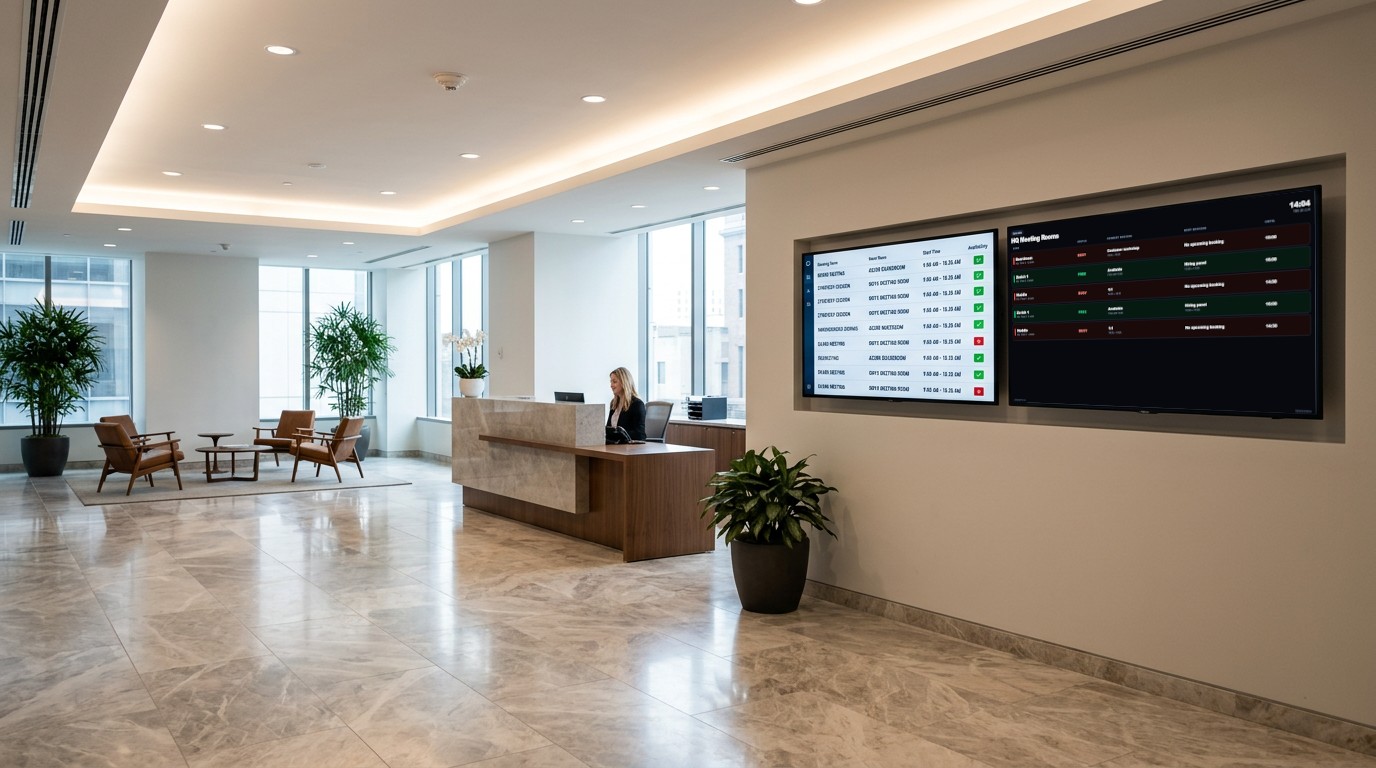
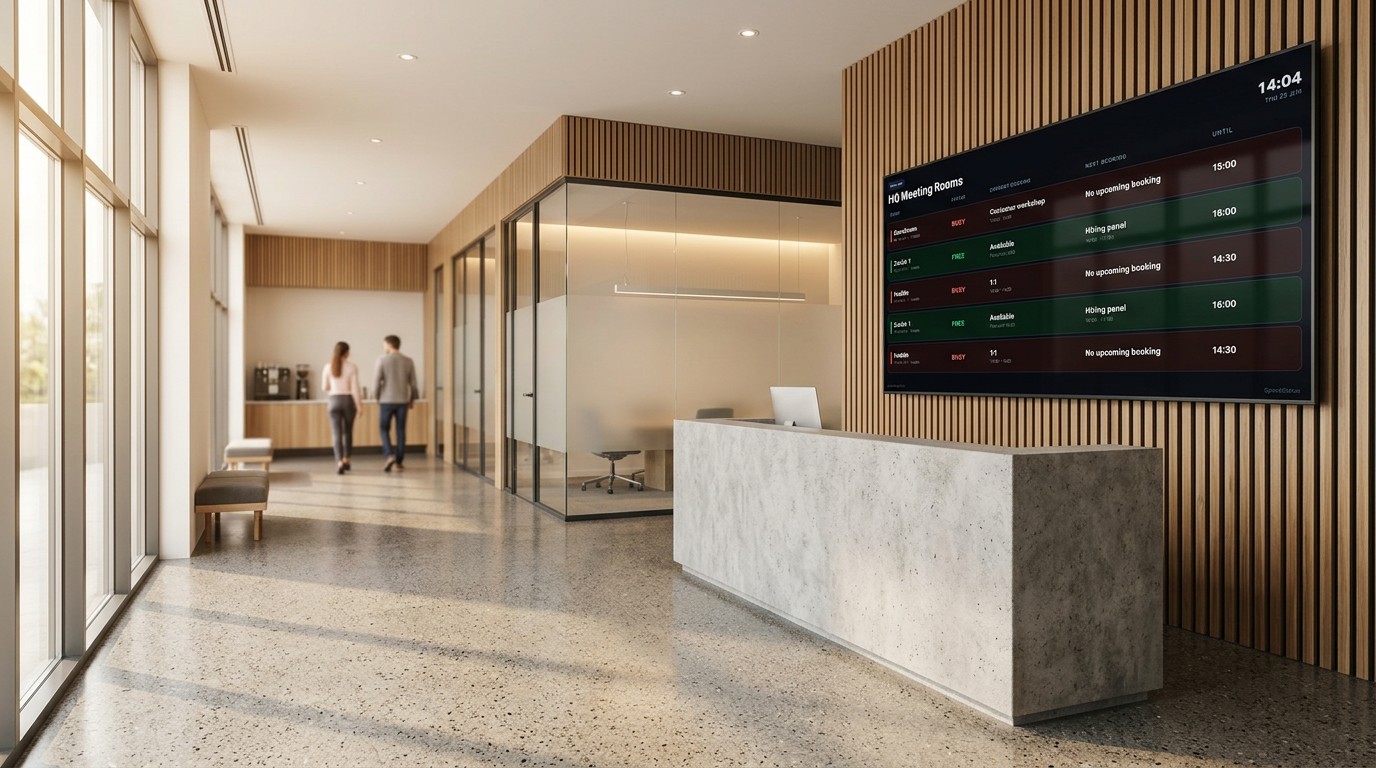
Built for the screen on the wall,
managed from the browser.
PIN pairing in seconds
Open /display on any TV or monitor. It shows a six-digit PIN. Enter it in the dashboard and the board goes live. No app installs, no IT tickets.
Public URL with access controls
Share a board as a public URL for lobbies and reception desks. Restrict by IP allowlist or password. Private by default, one click to share.
Live from Microsoft 365
Reads room calendars directly via Microsoft Graph. No sync delays, no manual refresh. Status reflects the real calendar the moment it changes.
Broadcast a message in seconds
Post an alert to any board, like a fire-drill notice, the Wi-Fi password, or an all-hands reminder. Pick a color, set it to expire automatically, and it rotates onto the screen right away.
Or skip the calendar entirely
and book right at the door.
One tap, booked
Mount a tablet outside any room. Free rooms show one-tap buttons for 15, 30, 45, 60, or 120 minutes, booked instantly with no calendar app and no app install.
End a meeting early
Finished ahead of schedule? One tap frees the room immediately, so it stops showing as busy for whoever is waiting outside.
Never double-booked
Every tap checks the live calendar first. If someone else just booked the room, you will know immediately instead of walking in on a meeting.
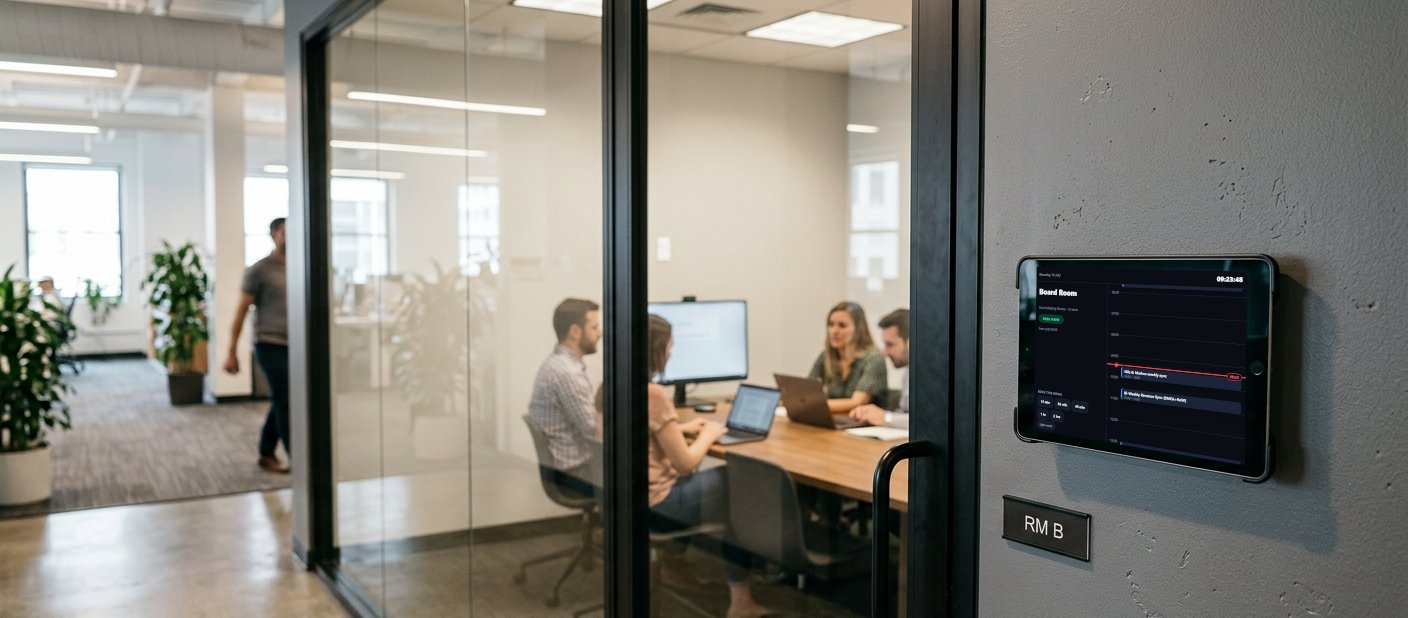
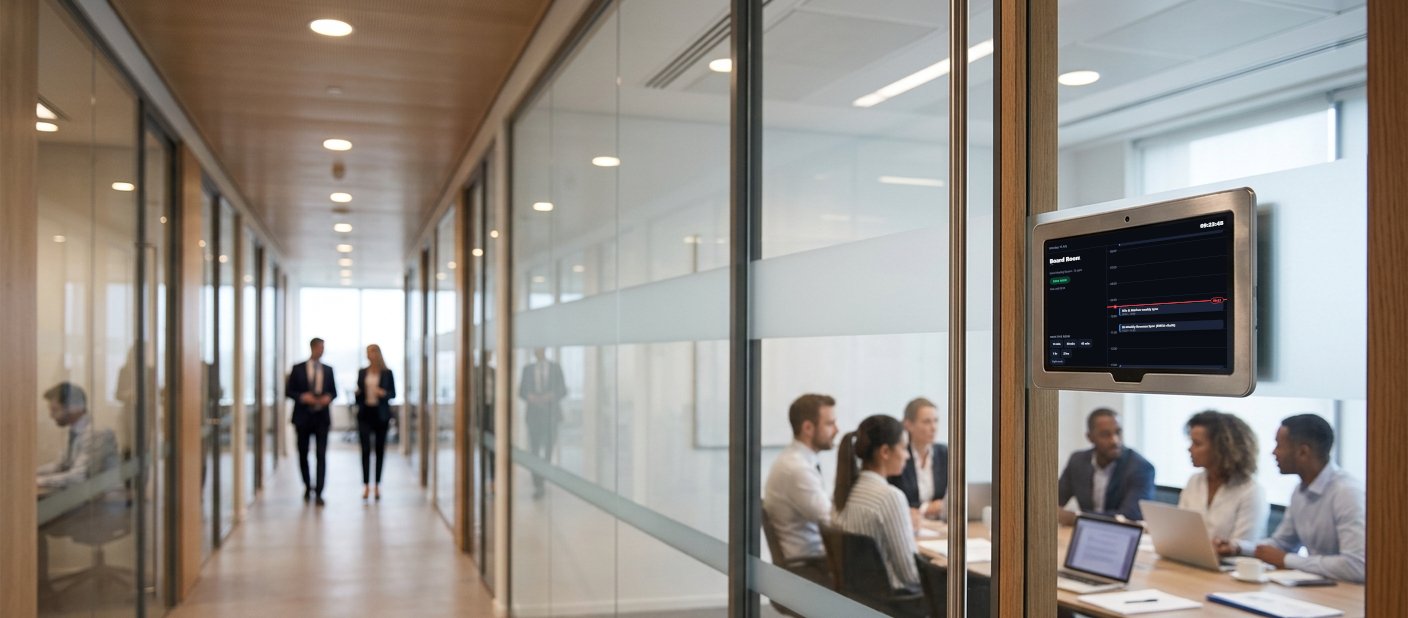
If it has a browser, it works.
No certified panels, no proprietary devices, no per-screen hardware licensing. An old tablet, a spare monitor, or any smart TV already in the room is enough. Open a page, enter a six-digit PIN, and the screen goes live in under a minute.
From install to live board in under ten minutes.
Connect your rooms
Add Microsoft 365 room mailboxes to SpaceStatus. The dashboard pulls calendar data via Graph API. No per-room configuration needed.
Create a board
Group rooms into a named board, pick a timezone, and choose which rooms appear and in what order. One board per floor, or one for the whole building.
Pair a display
Open /display on the screen. Note the PIN, enter it in the dashboard, and the board appears on screen, usually within five seconds.
Built with your Microsoft 365 access in mind.
Calendar data is read live and cached only briefly to keep displays fast. It is not stored long-term. Public display links can be restricted by password or IP address, and are private by default. All data in transit is encrypted. SpaceStatus is operated from Switzerland, and a data processing agreement is available on every plan.
Simple pricing. No per-room fees.
- 1 board
- 2 paired displays
- 8 rooms per board
- 1 public display URL
- Microsoft 365 live calendar
- 5 boards
- 10 paired displays
- 30 rooms per board
- 5 public display URLs
- IP allowlist + password controls
- Priority support
- 25 boards
- 75 paired displays
- 150 rooms per board
- 25 public URLs
- Custom domain support
- SSO-ready architecture